Discord Integration
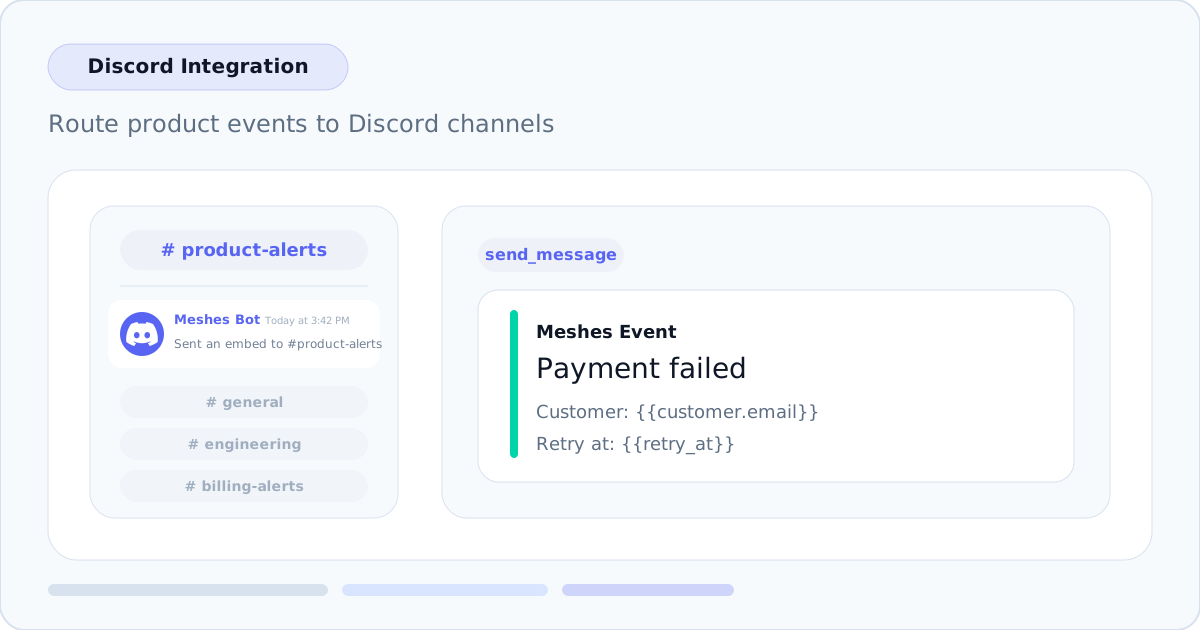
Discord is now available as a connection type in Meshes. Add the Meshes bot to your Discord server, pick the destination channel in the rule builder, configure an embed title and message template, and Meshes handles delivery with retries.
Channel-aware rule setup
Each rule targeting a Discord connection includes a live channel picker backed by the connected server. After the bot is authorized, Meshes loads the available text and announcement channels so you can route each event to the right destination without hardcoded channel IDs.
Embed titles and templated message delivery
Discord rules use a required embed title plus a message template with {{field}} interpolation. When an event fires, Meshes renders the title and body from the event payload and posts a rich embed to the selected channel.
Example rule values:
Title: Payment failed
Template:
Customer: {{customer.email}}
Plan: {{plan}}
Retry at: {{retry_at}}
Templates support nested field access such as {{user.name}}, so Discord notifications can stay concise while still carrying the product context your team needs.
How it works
- Connect Discord from the Connections page and authorize the Meshes bot for your server
- Create a rule targeting the Discord connection
- Select a channel, set the embed title, and write the message template
- Meshes renders the embed, delivers it to Discord, and retries transient failures automatically
Discord is the latest supported integration, joining HubSpot, Salesforce, Intercom, Mailchimp, ActiveCampaign, Resend, Zoom, AWeber, MailerLite, Slack, and Webhooks.